Quick answer
Start with the few devices that keep you informed, safe, connected, and able to work: a phone, light, Wi-Fi, laptop, and any personally essential equipment. Add their real watts and hours, then compare both usable watt-hours and continuous/surge output with the portable station. Power devices directly from the station; never backfeed an apartment outlet or alter building wiring. Keep the battery dry, ventilated, and away from heat, and stop using it if it is damaged, hot, swollen, leaking, smoking, or giving off an unusual odor.
- An apartment backup plan is a prioritized load list, not a promise to run every appliance; size for the devices you truly need first.
- Watts describe the rate of demand, usable watt-hours describe stored energy, and startup surge can determine whether a motor or compressor starts at all.
- Direct device power is different from apartment wiring: do not backfeed an outlet, and verify lease, building, and local rules before using recharge equipment or routing cords.
Last reviewed October 22, 2026
Apartment backup power is usually a smaller, more focused problem than whole-home backup. You may need a phone, a lamp, internet access, a laptop, medication refrigeration, or an accessibility device—not every outlet in the apartment. That is good news for renters: a portable power station can support a carefully chosen group of direct-connected loads without drilling, rewiring, or asking a battery to imitate the building electrical system.
Inventory essential loads first
Before shopping or checking a capacity number, write down what must work during the first four to twelve hours of an outage. Make three columns: must have, helpful, and skip for now. Put communication and safety first: phone, emergency radio if you use one, a small light, and any device needed to receive building or local alerts. Add Wi-Fi and a laptop only if connectivity or work matters. Refrigerators, fans, and other appliances belong on a separate branch because their motors, compressors, and runtime can change the size of the plan.
Read the label on each charger or the device manual. Record the input watts if shown, the number of hours you want it available, and whether the device can use USB-C or DC instead of an AC wall plug. A charger’s maximum rating is a useful conservative starting point, but a device may draw less once its battery is nearly full. The safest plan uses the actual device behavior when you can measure it, while leaving headroom for peaks and conversion losses.
| Load | What to record | Planning question |
|---|---|---|
| Phone and small light | Charging watts, number of phones, hours of light | Can USB or USB-C avoid the station’s AC inverter? |
| Modem and router | Voltage, adapter watts, target hours | Can both devices share a compatible DC or USB-C solution? |
| Laptop | Charger rating, work hours, battery condition | Will a manufacturer-approved USB-C connection be efficient? |
| Refrigerator | Running demand, startup surge, average energy | Does the station support the compressor and required runtime? |
| Medical or accessibility equipment | Manufacturer backup requirements and runtime | Has the provider or clinician approved this backup path? |
Prioritize by consequence, not convenience. A bright lamp is useful, but a phone that receives emergency messages may come first. Keep a paper copy of the load list because your phone may be the device you are trying to conserve.
Understand watts, watt-hours, and startup surge
Watts (W) are the rate at which a device needs power right now. Watt-hours (Wh) are an amount of energy: 10 watts for 5 hours is 50 Wh. The station must satisfy both tests. Its inverter and ports need enough continuous output watts for the connected devices, while its battery needs enough usable watt-hours for the desired duration.
A simple planning estimate is usable Wh ÷ average load W = approximate hours. Do not treat the printed battery capacity as energy that will all reach an AC appliance. Inverter losses, battery reserve, temperature, cable losses, battery age, and the station’s protection settings reduce what you can use. The U.S. Department of Energy’s energy-use guidance explains why appliance use varies; your own label, manual, or plug-in meter is better than a generic internet average.
Startup surge is a separate question. Motors and compressors can briefly draw much more than their running wattage. A refrigerator might appear modest while running but trip an undersized inverter as the compressor starts. Heaters, kettles, hair dryers, microwaves, and air conditioners also make compact apartment plans difficult. Compare the exact appliance requirement with both the station’s continuous rating and its documented surge rating. Never keep retrying a load that triggers an overload warning. For a refrigerator-specific method, use the GridReady refrigerator compatibility guide.
Use practical apartment sizing examples
The examples below are planning illustrations, not promises about every model. Actual draw varies. They show why a small essential kit can be manageable while a refrigerator deserves its own check.
| Scenario | Illustrative average load | Energy for target period | What to verify |
|---|---|---|---|
| Phone charging plus LED lamp | 5 W phone average + 5 W lamp = 10 W | About 50 Wh for 5 hours | Use USB where supported; account for phone charge cycles and lamp brightness. |
| Wi-Fi modem and router | About 15–25 W combined | About 120–200 Wh for 8 hours | Read both adapters; some equipment needs uninterrupted power and compatible voltage. |
| Laptop while working | About 45–90 W while charging | About 180–360 Wh for 4 hours | Check the charger and whether approved USB-C power is available; sleep settings reduce draw. |
| Communication, light, Wi-Fi, laptop together | Roughly 70–125 W at once | About 350–625 Wh for 5 hours | Leave conversion and reserve margin; do not size only from battery capacity. |
| Refrigerator | Variable running load plus compressor surge | Depends on measured average and cycling | Check the refrigerator and station surge ratings; keep doors closed during the outage. |
Suppose your measured essential group averages 80 W and you want five hours. The arithmetic is 400 Wh before losses. A station marketed with 500 Wh may or may not deliver that much to AC, so keep a margin and test the exact setup while you are present. If you can power the router, laptop, and phone through efficient, manufacturer-approved USB-C or DC outputs, you may reduce inverter losses. Do not substitute a cable merely because its plug fits; voltage, current, polarity, and charging profiles still matter.
Power devices directly, never backfeed
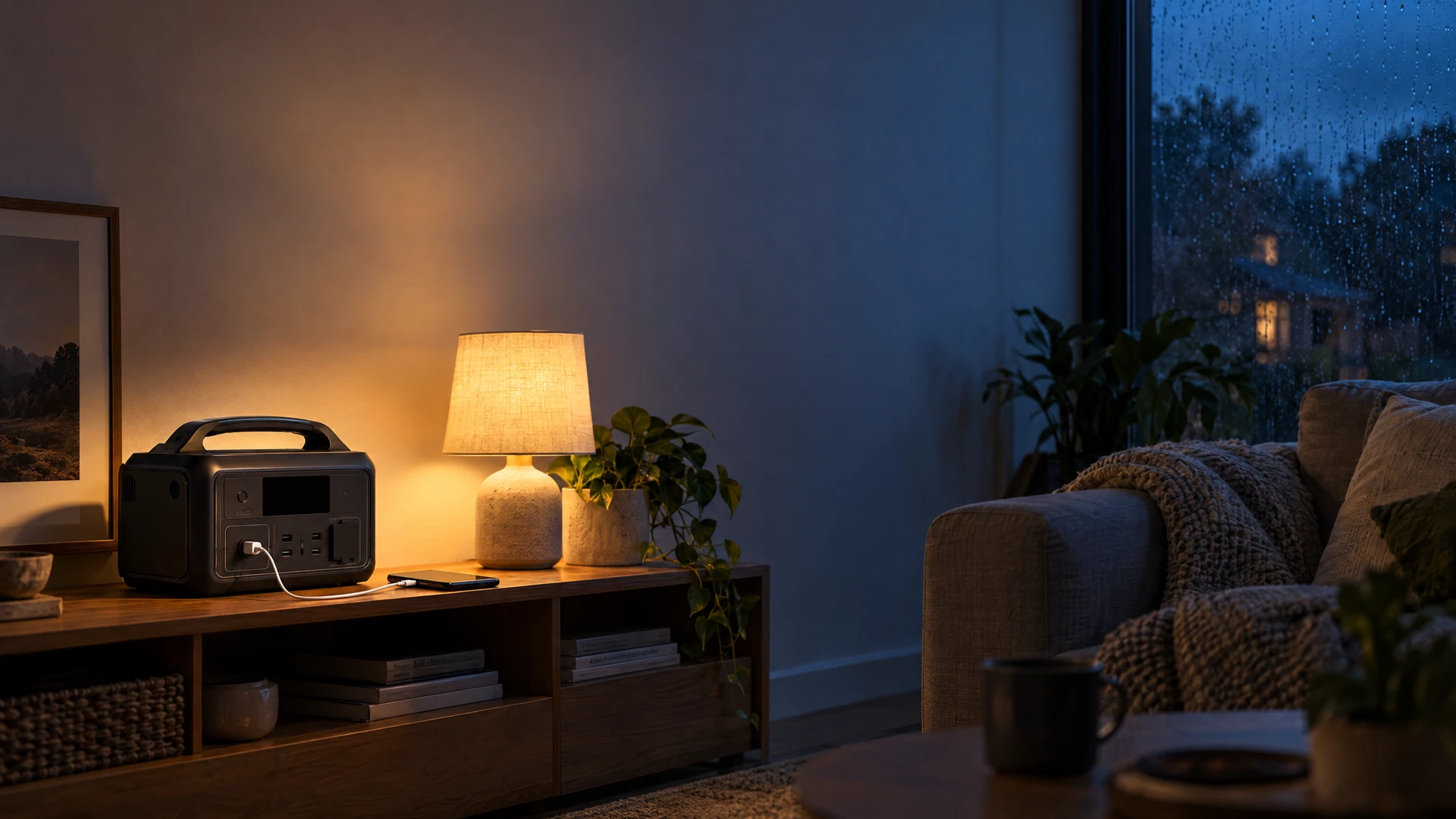
For an apartment, the normal arrangement is simple: put the intact power station on a stable surface and plug selected devices directly into its AC, USB, or DC outputs. Use the output type the manufacturer approves. A power strip may be acceptable only if the station manual allows it and the total load remains within limits; direct connections reduce confusion during an outage.
Never plug the station’s output into an apartment wall outlet to energize other outlets. That is backfeeding. It can send unexpected voltage into building wiring, expose maintenance workers or neighbors to danger, damage equipment, and defeat the protections expected of a properly installed backup system. Do not connect it to a breaker panel, remove an outlet, make a homemade inlet, or combine it with utility power. A transfer switch, inlet, or permanent backup connection is a separate electrical project for qualified professionals, with the equipment maker, lease, building management, and local requirements all checked first.
Do not use a fuel-burning generator indoors, in a hallway, or on a balcony as an apartment workaround. Carbon monoxide is invisible and can build up near openings. See CDC carbon monoxide guidance and local emergency instructions. A battery station has different hazards, but it is not permission to ignore ventilation, cords, or the manufacturer’s limits.
Place, ventilate, and cable the station safely
Choose a dry, stable, well-ventilated location away from radiators, cooking heat, direct sun, water, bedding, curtains, paper, and combustible storage. Keep external vents clear on every side required by the manual. Do not put the station in a closed cabinet, under a blanket, in a hot car, or where a child or pet can pull it down. Leave enough room to read the display and reach the normal shutoff without stepping over cables.
Route cords along a wall rather than across a doorway or walking path. Do not pinch a cable under a door or heavy appliance, run it through standing water, or use a frayed, crushed, hot, loose, or discolored cord. Use only compatible chargers and accessories. If the station shows a warning, an error code, or a strange light, record it before guessing: the warning-light guide, error-code guide, and safe reset checklist explain why model-specific instructions matter.
Plan recharge and your outage routine
Recharge before a storm or planned maintenance, then store the station as its manual directs. A wall outlet is usually the predictable baseline. A car recharge can be useful only with an approved cable and safe vehicle conditions; never run a vehicle in an enclosed garage. Solar can extend an outage plan, but a balcony is not automatically an approved panel location. Check the panel’s voltage, current, connector, orientation, shade, weather exposure, and the station’s solar-input window. A panel that fits physically can still be electrically incompatible.
Ask the landlord, property manager, condominium or housing association, and local authority about lease, balcony, facade, common-area, fire-code, and cord-routing rules. Rules vary by building and location; do not assume a universal right to mount a panel, run a cable outside, store equipment in a corridor, or connect to a shared outlet. Get permission in writing when appropriate. Never route a cord where it can create a trip or egress hazard.
When power fails, confirm that the outage is not limited to one tripped breaker, turn off unnecessary devices, and start with communication. Keep phones charged in batches, dim screens, use the smallest light that works, and keep reserve for priority equipment. Check official local alerts and follow Ready.gov power-outage guidance. If the station will not recharge, use the external-only checks in the not-charging guide—and stop if any physical hazard appears.
Handle food, medical, and accessibility needs
Keep refrigerator and freezer doors closed as much as possible. A battery station may help only when the appliance starts within the inverter’s surge limit and the battery has enough usable energy. The CDC’s outage food-safety guidance explains when refrigerated and frozen food should be discarded; do not taste food to decide whether it is safe. If the refrigerator is a critical load, use a thermometer and a written food plan, not hope that a percentage display equals hours.
A portable station is not automatically an appropriate medical or accessibility backup. Oxygen equipment, powered mobility equipment, communication aids, medication refrigerators, CPAP devices, and other life-supporting or essential equipment can have startup, waveform, grounding, alarm, battery, or clinical requirements that a general-purpose station may not meet. Ask the equipment manufacturer, clinician, service provider, or emergency-planning team what backup power is approved, how long it must last, and what to do if utility power fails. Keep a charged communication method and emergency contacts available. Do not experiment with a critical device during an outage for the first time.
Sources and update note
Source-update note: This guide was checked on October 22, 2026 against the official public guidance listed below. Emergency recommendations, building rules, product manuals, recalls, and local requirements can change. Recheck current official guidance and the exact station and device manuals before relying on a setup.
Answers to common follow-ups
Questions readers ask
Can I run my apartment through a portable power station?
No. Use a portable station for direct-connected devices such as phones, lights, networking equipment, laptops, and other approved loads. Never plug its output into a wall outlet, breaker panel, or improvised inlet. A building-wiring connection requires the appropriate equipment, permissions, local compliance, and qualified professional work.
How many watt-hours do I need for Wi-Fi, lights, and a laptop?
Add the average watts of your specific devices and multiply by the hours you need, then allow for conversion losses, battery reserve, and charging behavior. An illustrative 80 W combined load for five hours is 400 Wh before margin; use device labels or measured use rather than a generic estimate.
Can I use a portable power station for medical or accessibility equipment?
Only after the equipment manufacturer, clinician, or service provider confirms that the station and connection meet the device’s backup, waveform, grounding, startup, and runtime requirements. Keep an approved backup and emergency contact plan; do not make a first-time test during an outage.
What should I do if the station is hot, swollen, leaking, or damaged?
Stop using and charging it. Do not open, repair, press on, transport unnecessarily, or place it in household trash. Keep people away and call emergency services for smoke, fire, or immediate danger. For a damaged but non-burning unit, follow the manufacturer, local fire authority, and hazardous-waste instructions.
Sources & update note
How this guide was checked
Source update note: checked on October 22, 2026 against the listed first-party manuals, manufacturer support materials and official public-safety resources. Product features, firmware, warnings and safety limits can change; confirm your exact model manual before acting.
Keep going